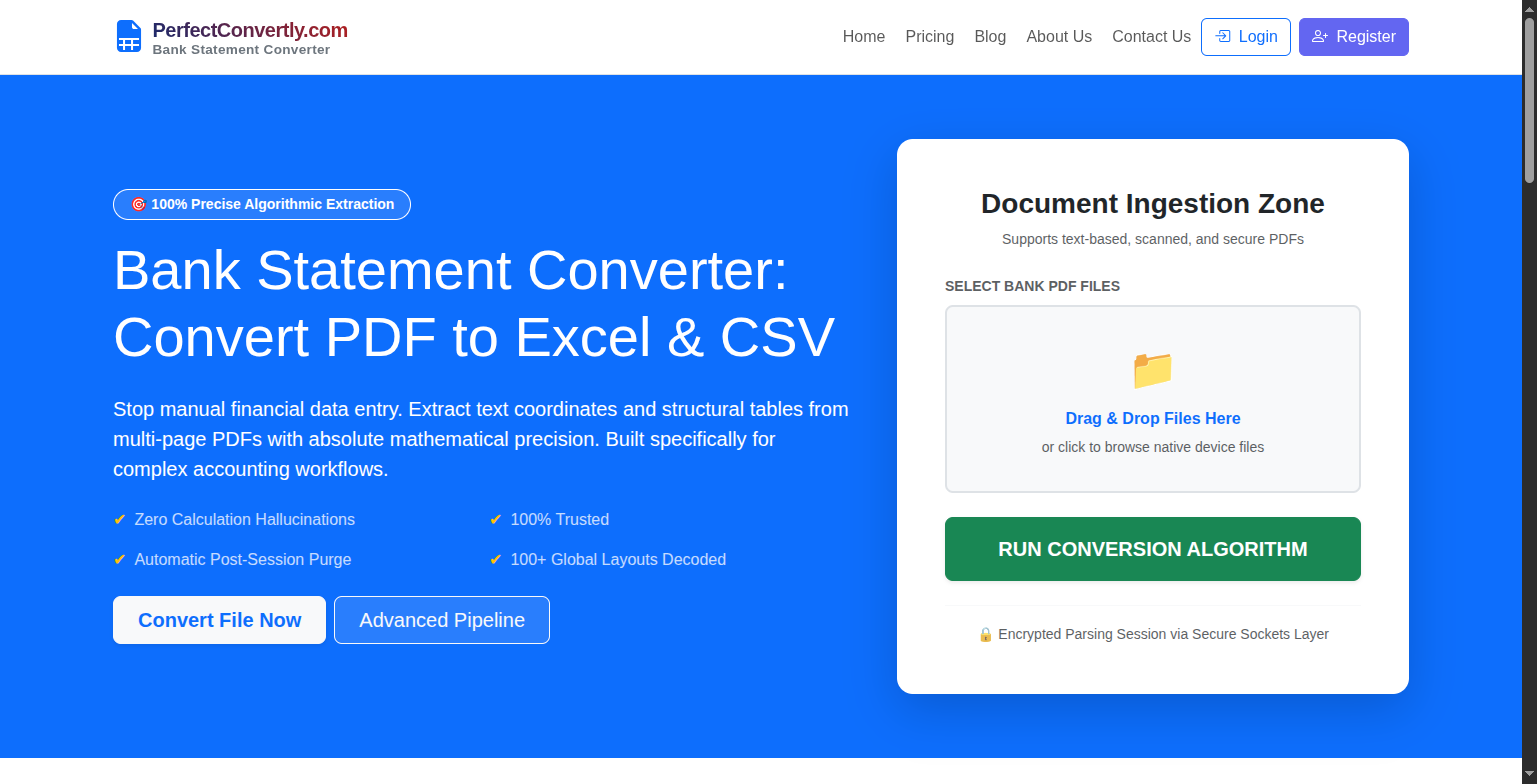
Bank Statement Converter – Convert PDF Bank Statements to Excel Securely and Accurately
Managing financial records can be challenging when bank statements are locked inside PDF files. Whether you're an accountant, business owner, bookkeeper, auditor, or freelancer, manually copying transaction data from PDF statements into Excel can take hours and often leads to costly mistakes. This is where a Bank Statement Converter becomes an essential tool.
A Bank Statement Converter helps users transform PDF bank statements into editable Excel or CSV files within minutes. One of the most reliable solutions available today is the Bank Statement Converter from PerfectConvertly.
Visit: https://perfectconvertly.com/bank-statement-converter/
What Is a Bank Statement Converter?
A Bank Statement Converter is a specialized online tool designed to extract transaction data from PDF bank statements and convert it into structured formats such as Excel (.xlsx) or CSV (.csv).
Instead of manually entering transaction details like:
- Date
- Transaction Description
- Debit Amount
- Credit Amount
- Balance
the converter automatically reads the statement and creates a clean spreadsheet that can be used for accounting, bookkeeping, financial analysis, auditing, and reporting.
This eliminates repetitive manual work and significantly reduces the risk of human error.
Why People Need a Bank Statement Converter
Many banks still provide statements primarily in PDF format. While PDFs are excellent for viewing and printing, they are difficult to edit or analyze.
Common challenges include:
- Time-consuming manual data entry
- Copy-paste formatting issues
- Missing or misplaced transaction records
- Difficulty importing data into accounting software
- Errors during reconciliation and reporting
For professionals handling multiple statements every month, manual processing is simply not practical.
A dedicated Bank Statement Converter solves these problems by turning unstructured PDF data into organized spreadsheets ready for immediate use.
How the PerfectConvertly Bank Statement Converter Works
The PerfectConvertly Bank Statement Converter is designed to make the conversion process fast, simple, and accurate.
Step 1: Upload Your Bank Statement
Users start by uploading their PDF bank statement directly through the website.
The platform supports:
Standard PDF bank statements
Scanned PDF documents
Image-based statements
Password-protected PDF files
Credit card statements
This flexibility allows users to work with almost any type of financial document.
Step 2: Intelligent Document Analysis
Once uploaded, the system analyzes the document structure.
Unlike generic PDF converters, the tool is specifically designed for financial documents. It identifies:
Transaction tables
Dates
Descriptions
Debit and credit values
Running balances
The system understands transaction patterns and financial layouts, making it much more effective than basic text extraction software.
Step 3: OCR Extraction for Scanned Statements
Many bank statements are scanned documents rather than text-based PDFs.
PerfectConvertly uses OCR (Optical Character Recognition) technology to read and extract information from scanned or image-based statements. This allows users to convert documents that would otherwise require manual entry.
Step 4: Data Organization
After extraction, the tool organizes the information into structured rows and columns.
This includes:
Transaction dates
Payee details
Debit transactions
Credit transactions
Balances
The resulting spreadsheet is formatted for easy review and analysis.
Step 5: Download Excel or CSV File
Users can instantly download their converted file in:
Excel (.xlsx)
CSV (.csv)
The output is ready for:
Microsoft Excel
Google Sheets
QuickBooks
Xero
Accounting software
Financial reporting systems
No additional formatting or cleanup is usually required.
Key Features of PerfectConvertly's Bank Statement Converter
Multi-Bank Support
The platform supports thousands of local and international banks worldwide.
Whether your statement comes from a personal account, business account, or credit card provider, the converter is designed to recognize various statement layouts and formats.
OCR Technology
Scanned documents are often difficult to process.
PerfectConvertly's OCR engine extracts information accurately from scanned and image-based PDFs, making it suitable for older statements and paper-based records.
Excel-Ready Output
The exported files are structured and ready for immediate use.
Users can filter, sort, analyze, reconcile, and import transaction data without spending additional time fixing formatting issues.
Fast Processing
The entire conversion process typically takes only a few moments, allowing finance professionals to process large volumes of statements quickly.
Is the PerfectConvertly Bank Statement Converter Safe?
One of the most common questions users ask is whether their financial data is secure.
The answer is yes.
PerfectConvertly emphasizes security and privacy throughout the conversion process.
Encrypted Processing
Files uploaded to the platform are processed using encrypted systems designed to protect sensitive financial information. The platform promotes bank-level security standards for document handling.
Automatic File Deletion
One of the most important security features is automatic file deletion.
After processing is complete, uploaded documents are automatically removed from the system. This significantly reduces the risk of unauthorized access or long-term data exposure.
No Manual Sharing Required
Since the conversion process is automated, users do not need to email sensitive documents to third parties or manually share confidential financial information.
Privacy-Focused Design
The platform highlights a zero-retention approach, meaning files are not intended to remain stored after processing. This gives users greater confidence when handling confidential financial records.
Is It Really 100% Safe?
No online platform can honestly guarantee absolute 100% security because all internet-connected systems carry some level of risk.
However, PerfectConvertly incorporates several industry-standard protections including:
Encrypted processing
Automatic file deletion
Secure data handling practices
Privacy-focused infrastructure
These measures are designed to provide a very high level of protection for user data. Users should still follow best practices such as using secure internet connections and protecting their own devices.
Who Can Benefit from a Bank Statement Converter?
Accountants
Quickly import transaction data into accounting software and reduce manual entry time.
Bookkeepers
Maintain accurate records without spending hours copying information from PDFs.
Business Owners
Track expenses, income, and cash flow more efficiently.
Auditors
Review financial transactions in spreadsheet format for easier analysis.
Financial Analysts
Transform statement data into structured datasets for reporting and forecasting.
Freelancers
Manage income and expenses without complicated manual processes.
Advantages Over Generic PDF Converters
Generic PDF converters are not built specifically for financial documents.
As a result, they often produce:
Broken rows
Misaligned columns
Missing transaction details
Formatting errors
PerfectConvertly focuses specifically on bank statements and financial documents, making it far more effective for transaction extraction and financial workflows.
Final Thoughts
Modern finance professionals need speed, accuracy, and security when handling bank statements. Manually copying transaction data from PDF files is no longer an efficient solution.
The PerfectConvertly Bank Statement Converter provides a practical way to convert PDF bank statements into Excel and CSV formats quickly and accurately. With support for scanned documents, OCR extraction, multiple bank formats, encrypted processing, and automatic file deletion, it offers a streamlined solution for financial data conversion.
If you're looking to save time, reduce manual errors, and improve productivity, the PerfectConvertly Bank Statement Converter is a valuable tool worth considering.
Learn more and start converting your bank statements today:


Comments (0)
No comments yet. Be the first to comment!
Leave a Comment